
Read your airing calendar
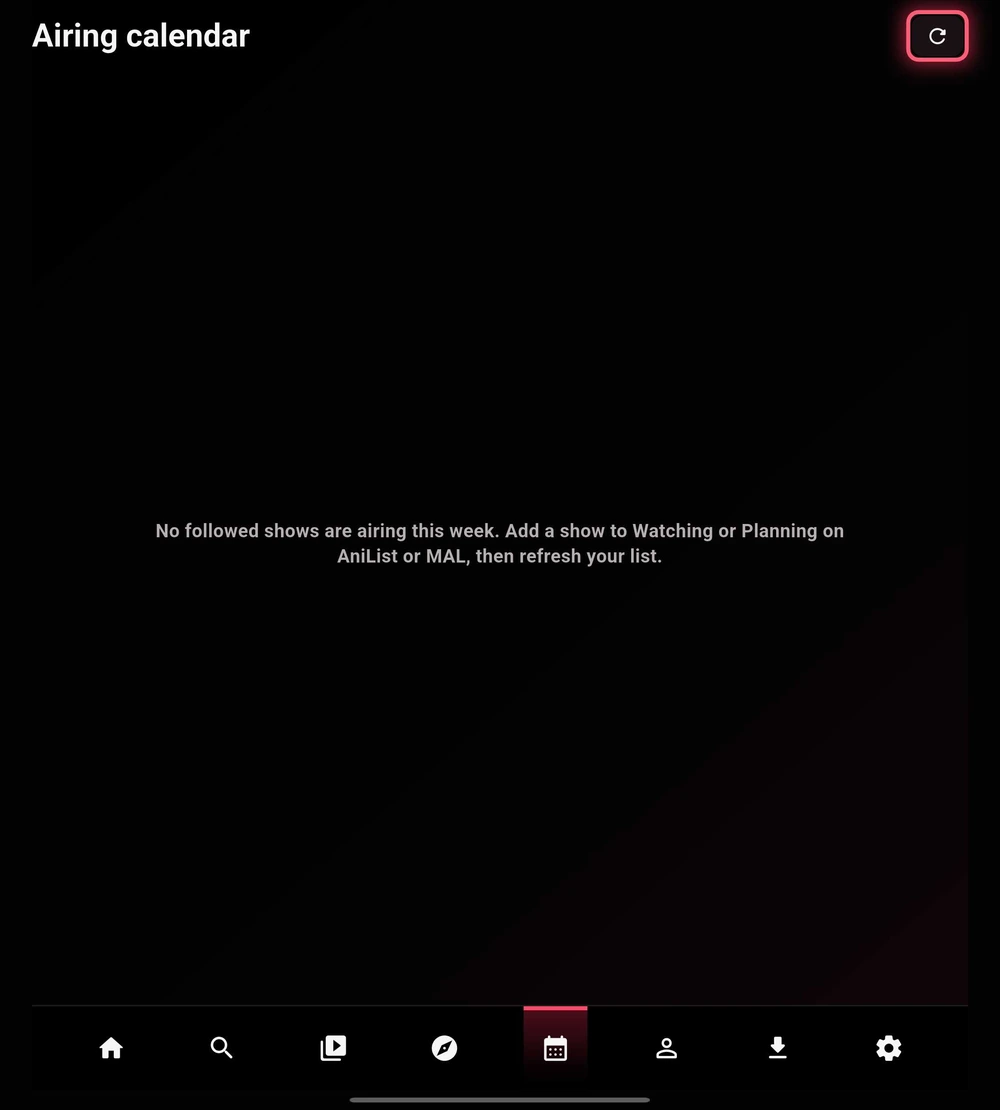
The calendar brings scheduled episodes for followed shows into a weekly view. It is most useful when your tracking list includes currently airing titles.
- Check your linked tracker in Settings → Accounts.
- For the AniList or MyAnimeList flow shown here, add an airing show to Watching or Planning.
- Refresh the list and open Airing calendar. Use its refresh control after making changes.
 Enlarge
Choose your notifications
Open Settings → Accounts → Progress & notifications. Sub/simulcast alerts and verified dub alerts are separate settings.
| Setting | What to expect |
|---|---|
| Sub & simulcast alerts | Alerts tied to the scheduled subtitled or simulcast airtime. |
| Verified dub alerts | Alerts only when TetoTV has a verified dub schedule. A Japanese broadcast time is not automatically treated as a dub release. |
Why the calendar may be empty
No followed shows may be airing in the selected week, your list may need refreshing, or the linked service may be temporarily unavailable. Confirm your account and list before changing playback providers.