
Pair your phone securely
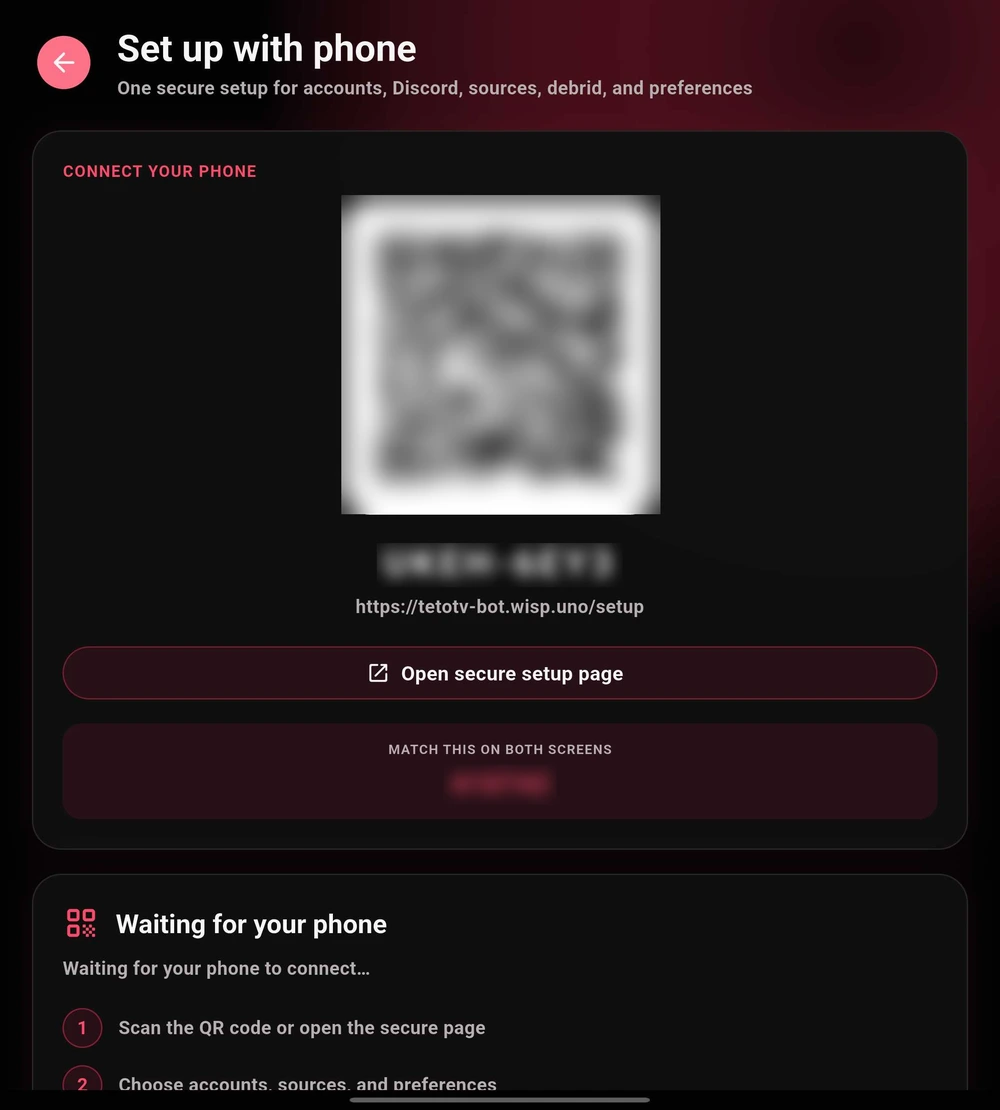
- Choose Set up on another device from the first-launch screen. The next screen is titled Set up with phone.
- Scan the QR code shown by your running app, or open the secure setup address displayed on that screen.
- Enter the pairing code if asked. Confirm that the match number on your phone is identical to the one on your TV. Do not continue if the numbers differ.
- Choose the accounts, sources, and preferences you need. Follow the confirmation steps in the browser and on your device.
- Return to TetoTV and verify that the intended changes arrived before completing setup.
 Enlarge
Add source addresses from your phone
This is a shorter flow for entering repositories, including compatible Seanime-format repositories, and torrent source manifests. It is available from the Streaming step and relevant source-management screens; it is not the same as completing the entire first-run wizard.
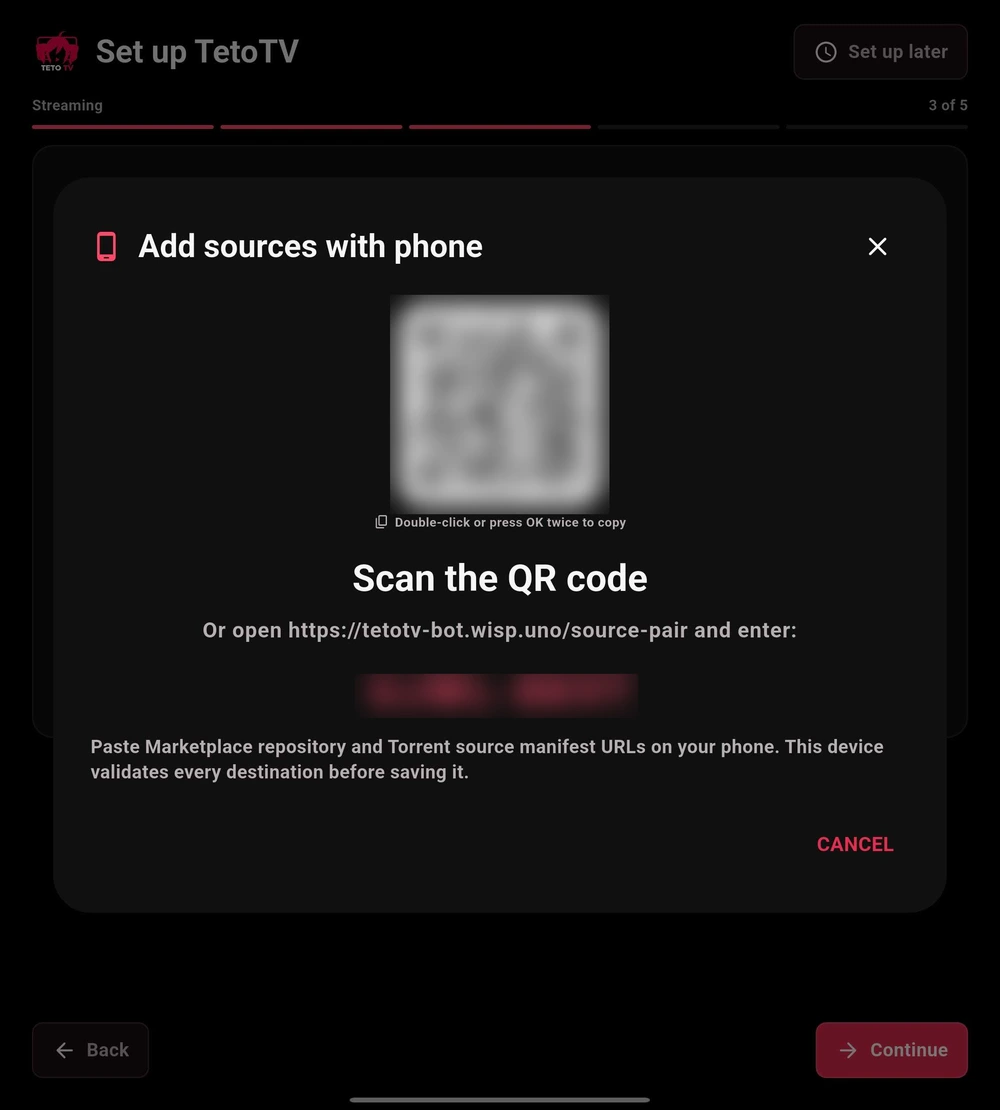
- Open Add sources with phone on the device you are configuring.
- Scan its QR code or use the page and code shown by the app. Leave the pairing prompt open.
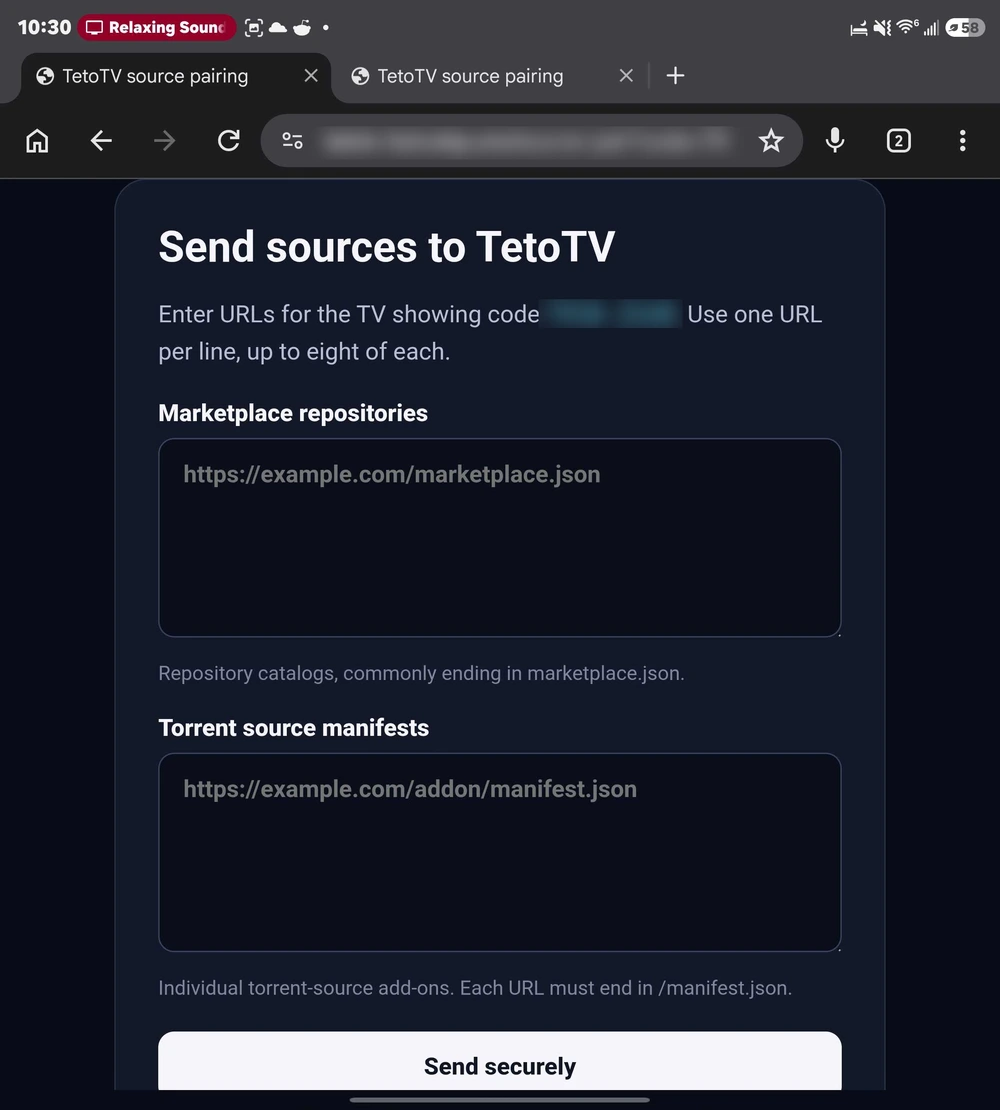
- Enter the compatible Marketplace repository or torrent source manifest addresses you intended to add. Check the spelling and use HTTPS addresses from a source you trust.
- Submit the form, then return to the device and review the received entries in Settings → Services → Manage sources.
When pairing does not complete
Make sure both devices have internet access, keep the app’s pairing prompt open, and retry with a fresh session if the code has expired. Use an up-to-date browser with JavaScript enabled. A content blocker may interfere; test a site-specific exception rather than disabling browser security globally.