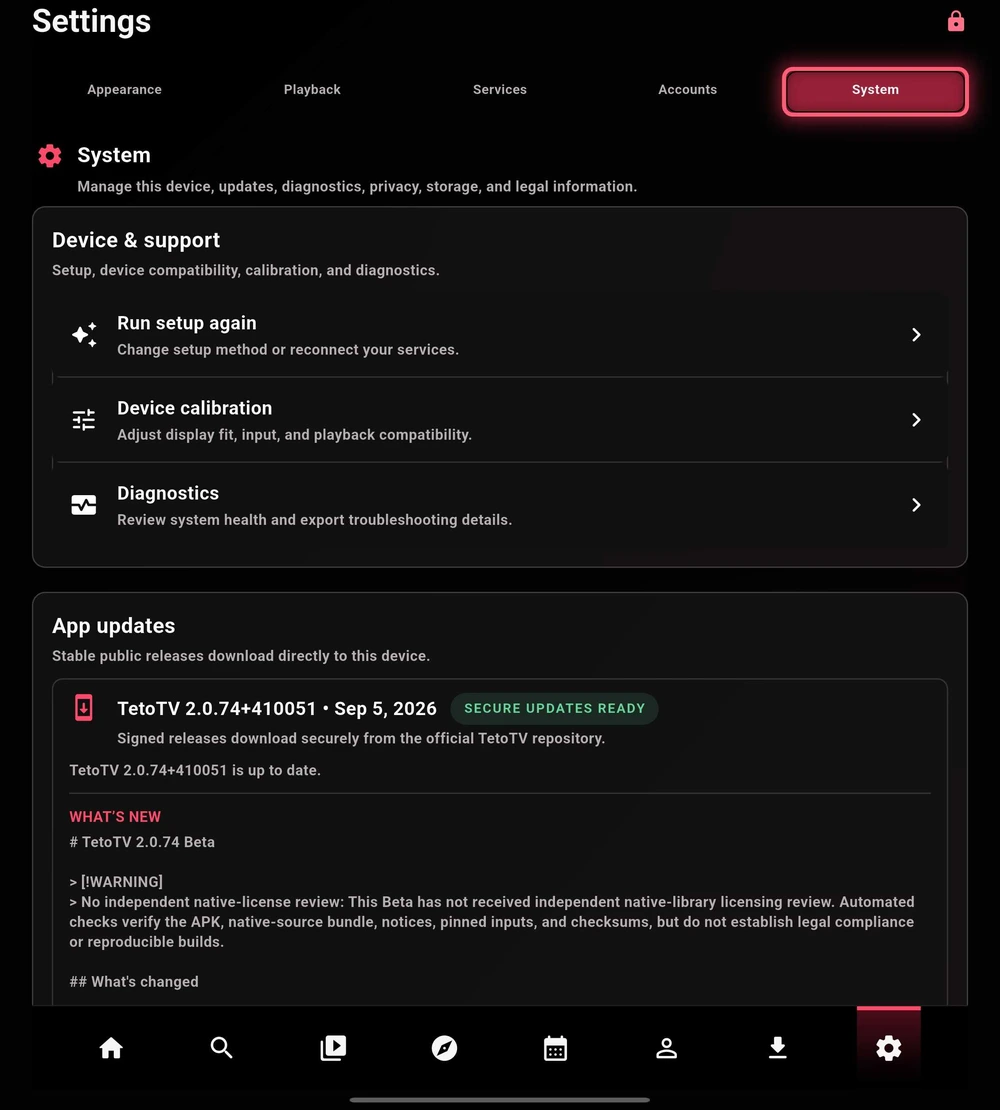
Device & support
| Control | Purpose |
|---|---|
| Run setup again | Revisit the setup method, preferences, and service connections. |
| Device calibration | Adjust the available display, input, and playback-compatibility settings. |
| Diagnostics | Review device health and export troubleshooting details. Inspect an export before sharing it. |
App updates & release notes
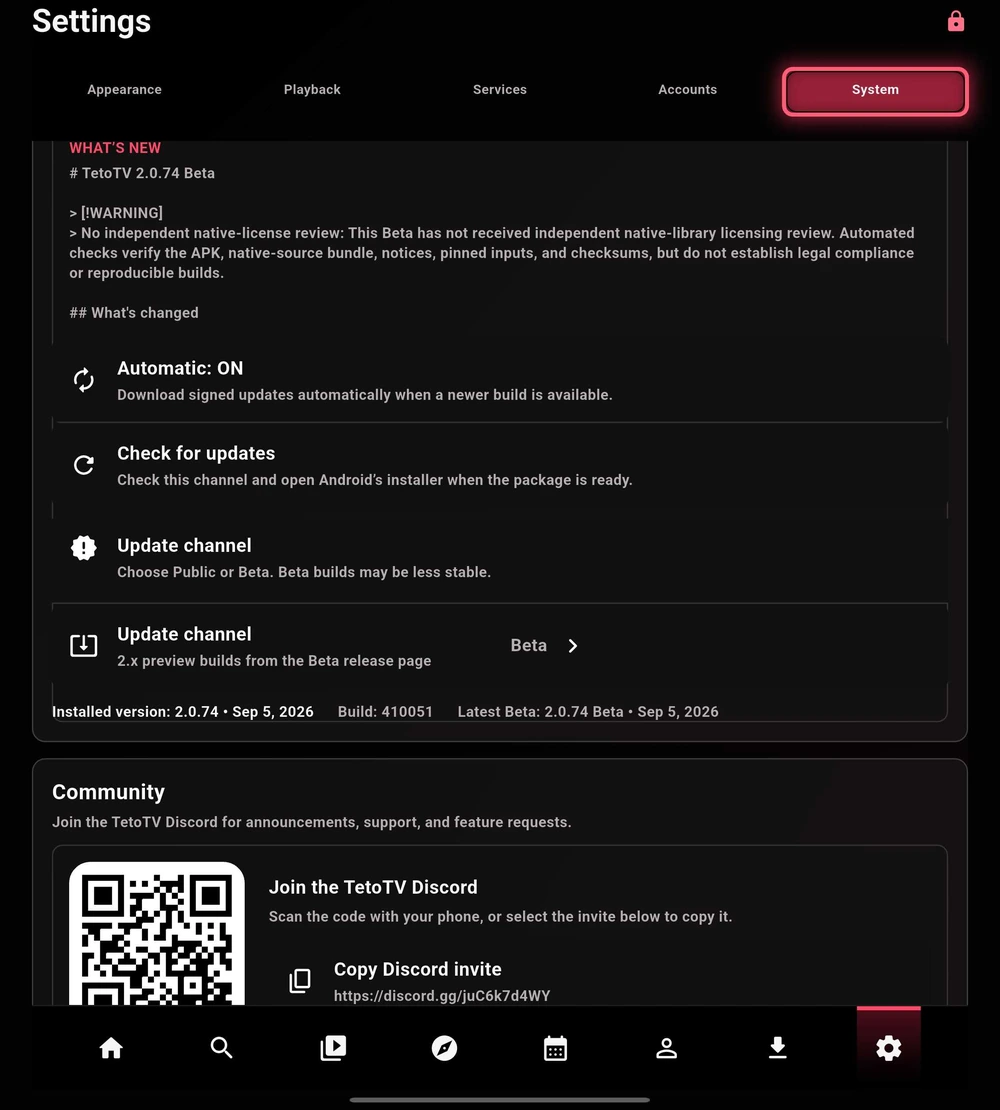
Check the installed version and build, read the release notes, and use Check for updates for the selected channel. Automatic updates and channel selection are separate controls.
This guide is based on Beta 2.0.74. The official release notes describe that build’s changes and disclosures, including its unreviewed-Beta native-license exception. Review the notes for the actual build you download; automated checks are not independent legal review.
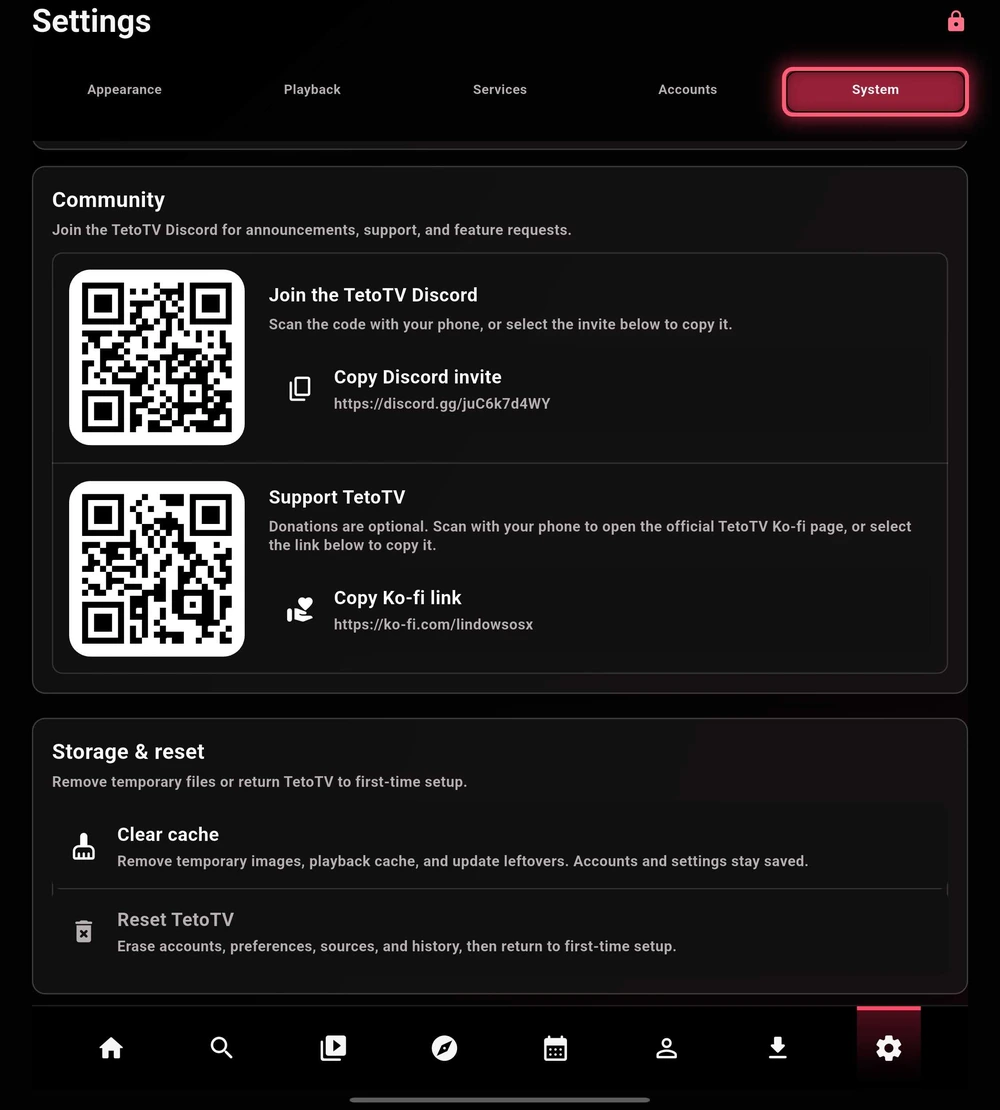
Cache and reset are different
| Action | Effect in the captured build |
|---|---|
| Clear cache | Removes temporary images, playback cache, and update leftovers. Accounts and settings remain saved. |
| Reset TetoTV | Erases accounts, preferences, sources, and history, then returns to first-time setup. |
Privacy & diagnostics
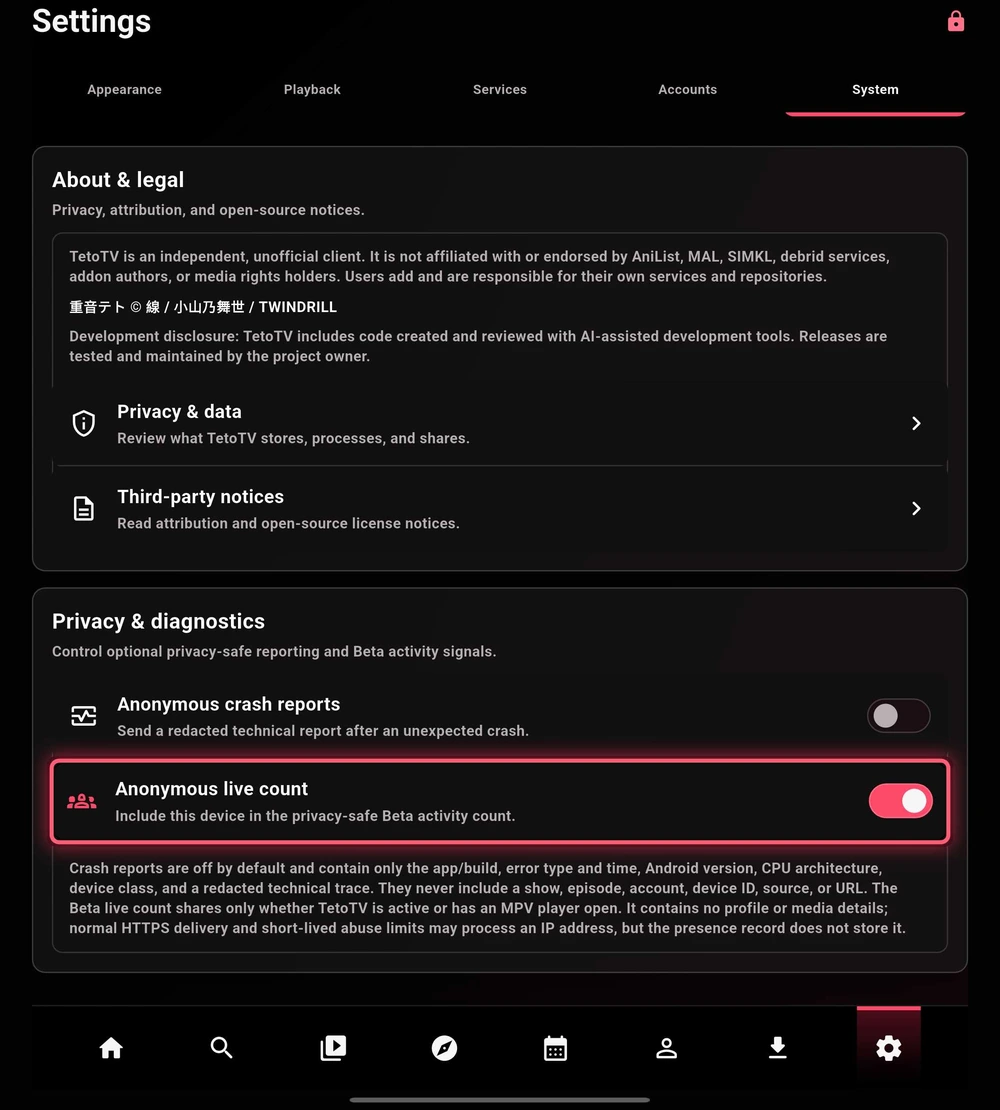
Crash reporting and the Beta live count are independent settings. Crash reports are described as redacted technical reports; the live count tracks limited app activity rather than title or episode details. Normal HTTPS delivery and abuse prevention can still process an IP address.
Review Privacy & data and the in-app descriptions for the build you use. Do not interpret a reporting toggle as a guarantee that third-party sources or services cannot see their own connection data.
About & attribution
TetoTV is an independent, unofficial client. It is not affiliated with or endorsed by AniList, MAL, SIMKL, debrid services, addon authors, or media rights holders. Users add and are responsible for their own services and repositories.
重音テト © 線 / 小山乃舞世 / TWINDRILL
The project discloses AI-assisted development. The maintainer directs and validates releases; AI assistance is not an independent security or legal certification.
Read the app’s Third-party notices for software attribution. Community and support links are available from System and the wiki footer.