
Find a title
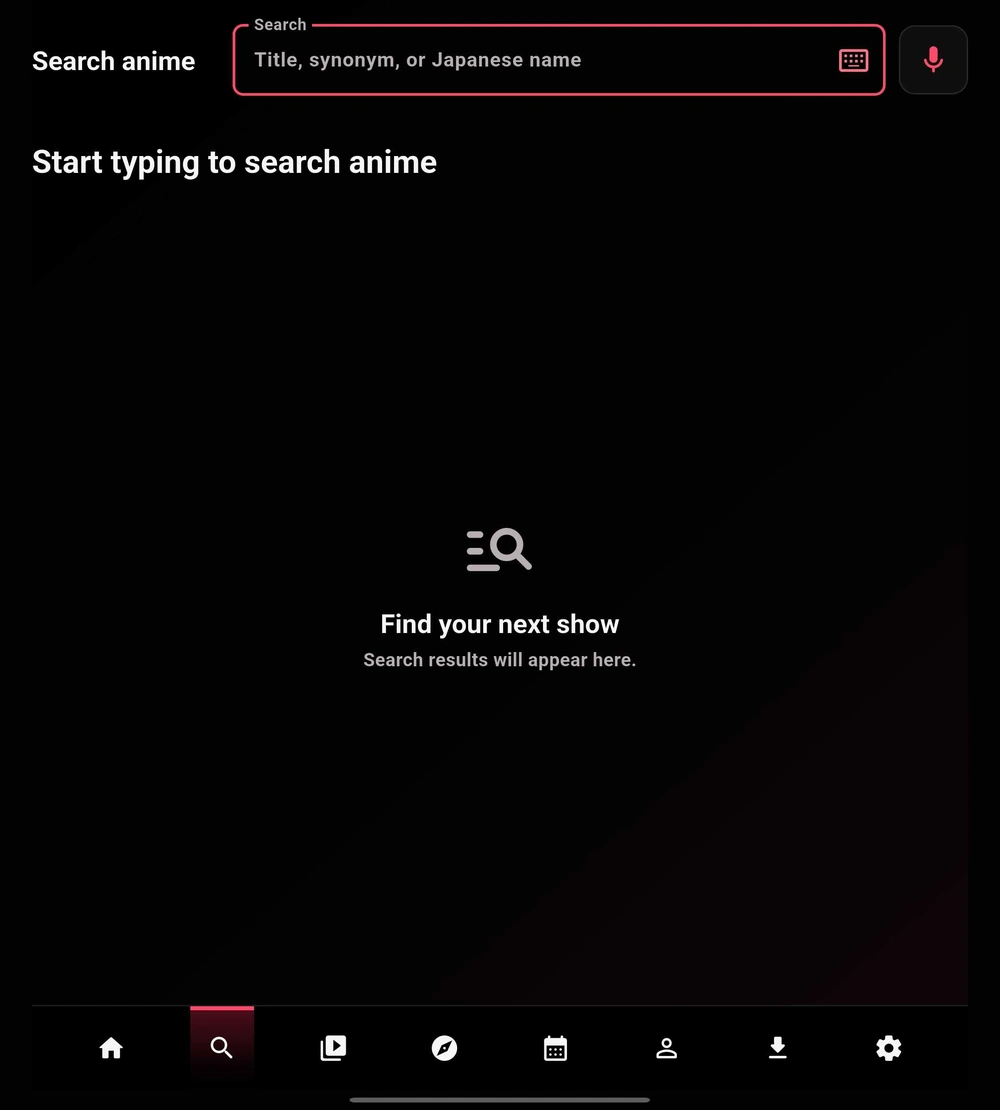
Open Search, enter a title, and choose a result to view its details. The empty screen shown here is the starting state, not an error.
- Try the full title first. If it is not found, use a shorter phrase or an alternate title.
- Use the on-screen keyboard, your device keyboard, or voice input when supported by your device.
- Open the matching title, choose an episode, then review the sources available to your setup.
 Enlarge
Browse with Discover
Discover is for browsing rather than entering a specific title. Use the available sort and filter controls to narrow the catalog.
- Open Discover and review the current sorting option.
- Open Filters and choose the criteria available in your build.
- Open a poster to review the title, then add it to your list or inspect its episodes.
 Enlarge
Catalog results and playback sources are different
Search and Discover help you find title metadata. Your installed providers, connected services, downloads, and personal libraries determine whether a particular episode has a playable source.